

 linqianyan · June 04, 2026
Connect your Wix store to Customthings and let your Wix shoppers customize products before they buy.
Install Customthings on the Wix App Market →
Connect your Wix store in Customthings→
1. Connect Your Wix Store
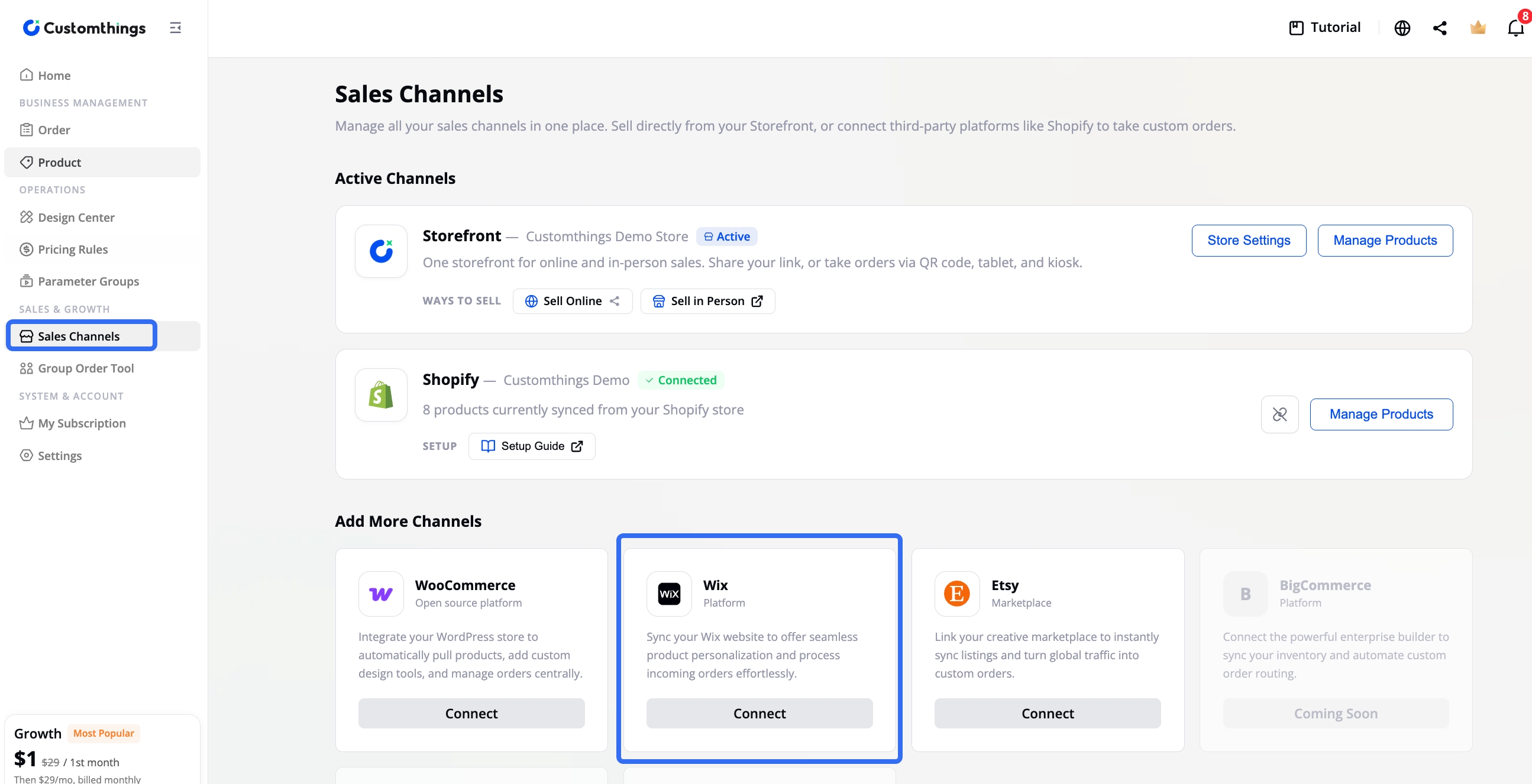
Click Install Wix Plugin. You'll be taken to the Wix App Market (or use the direct link above).
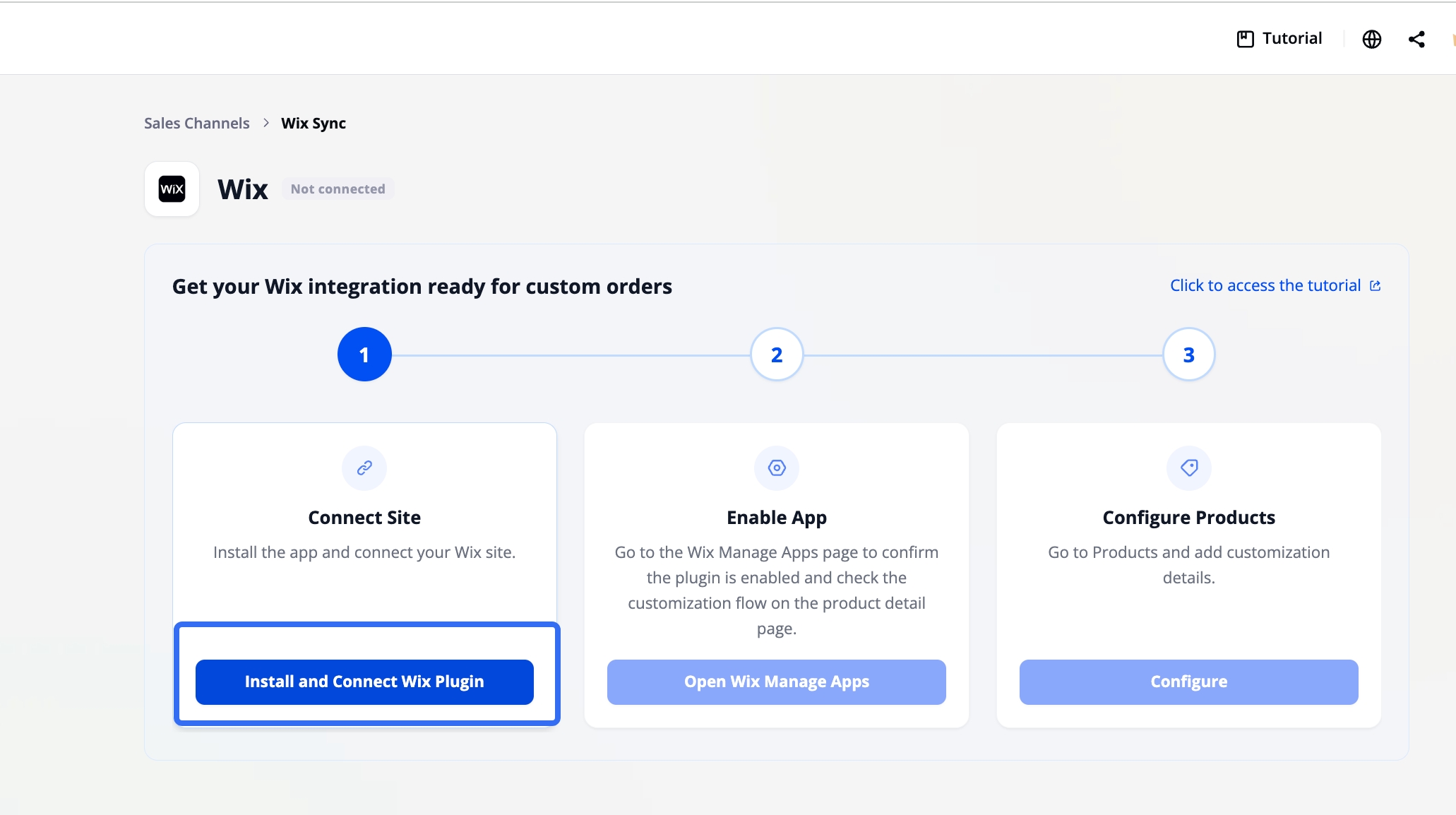
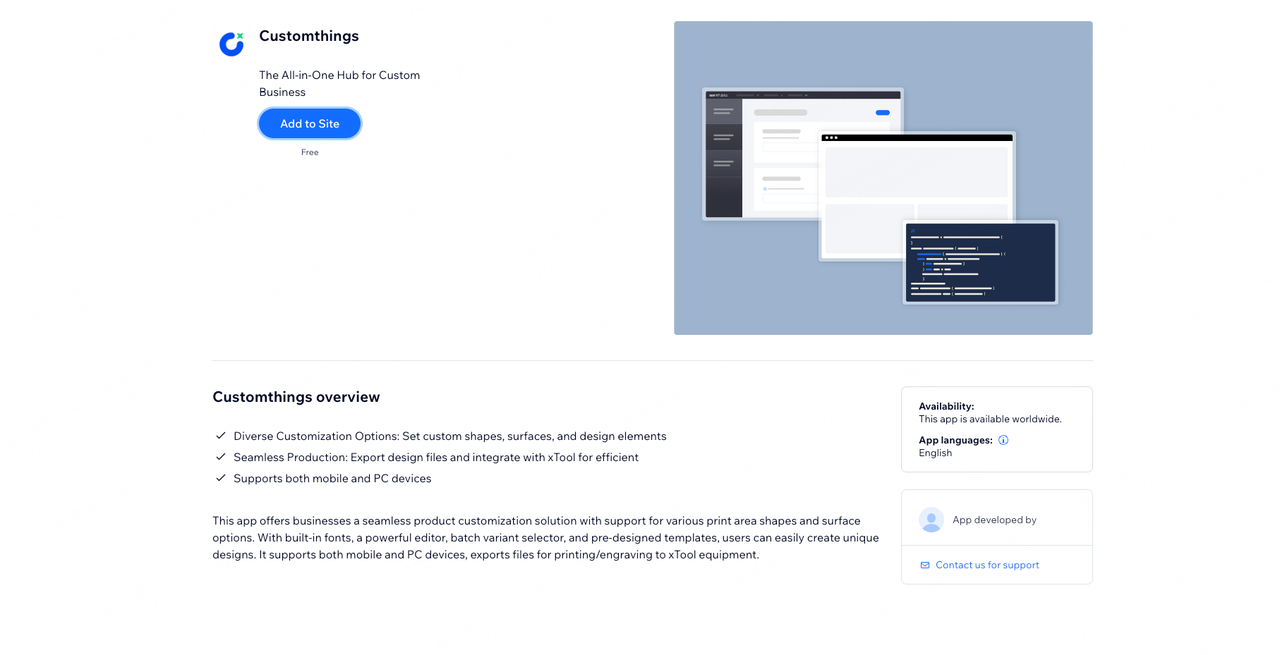
On the Wix App Market page, click Add to Site and agree to add.
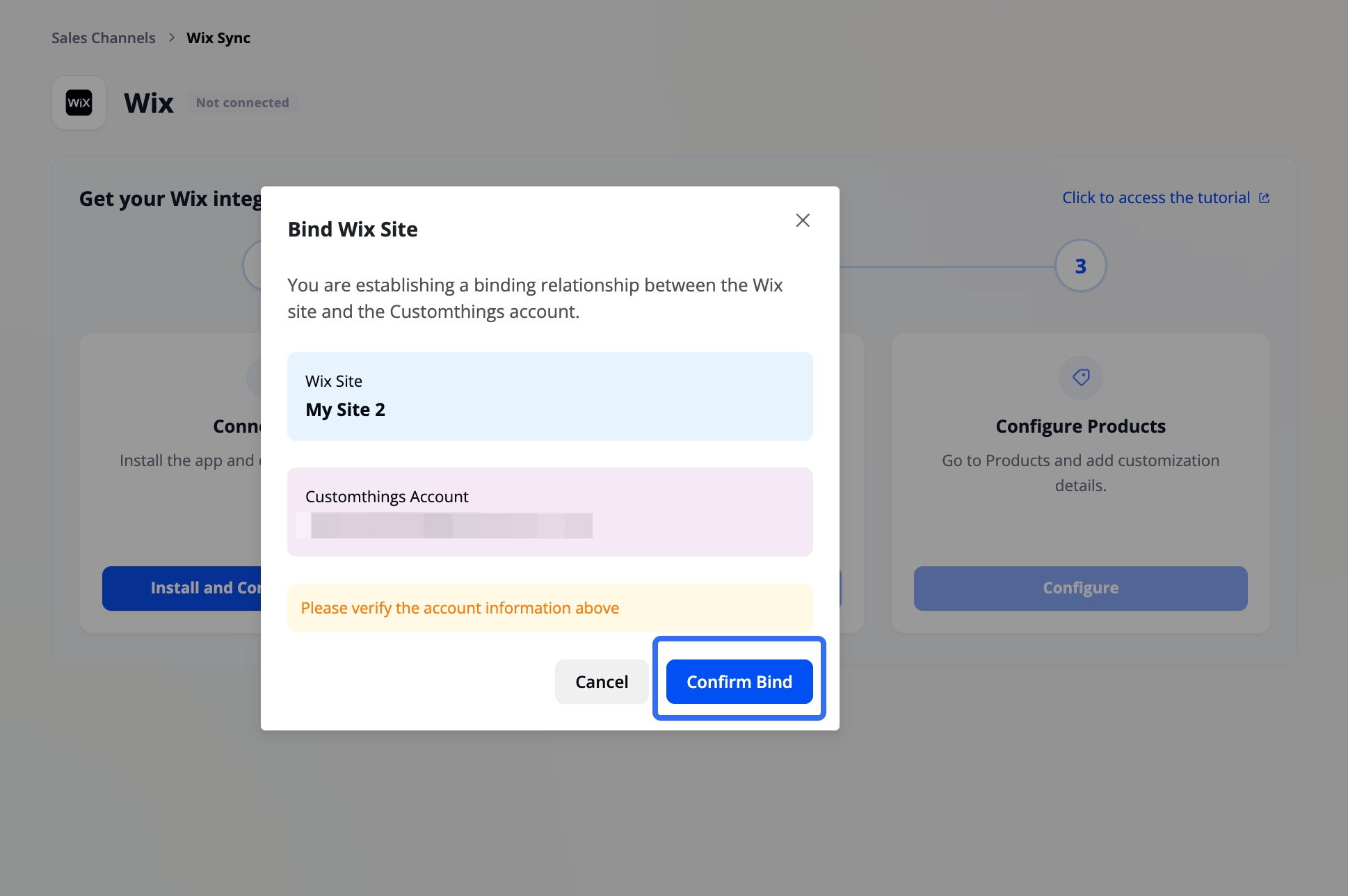
After installation, you'll be redirected back to Customthings. Click Confirm Binding to connect your store.
2. Enable the App in Wix
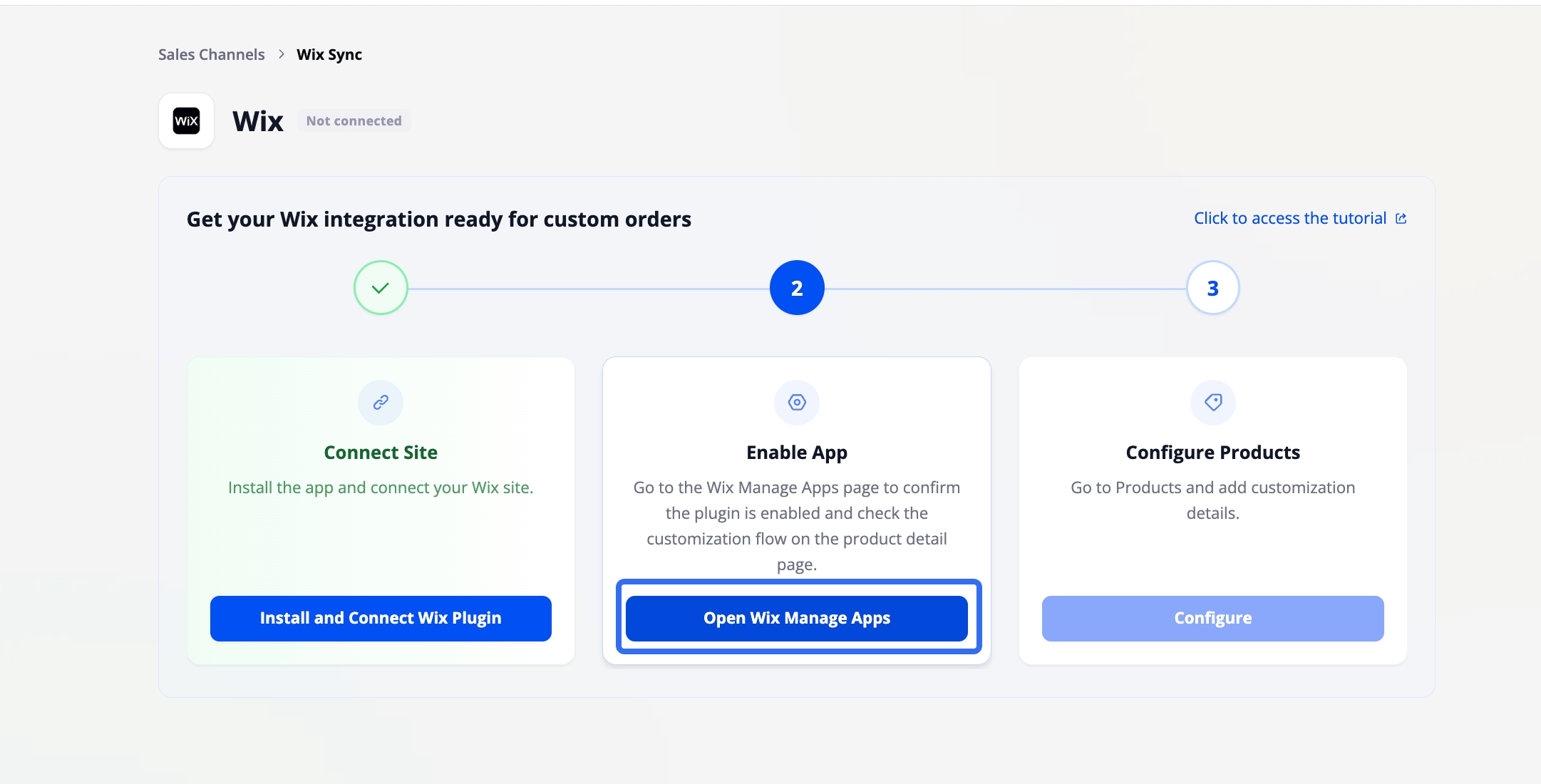
In Customthings, click the STEP 2 button to jump to your Wix admin.
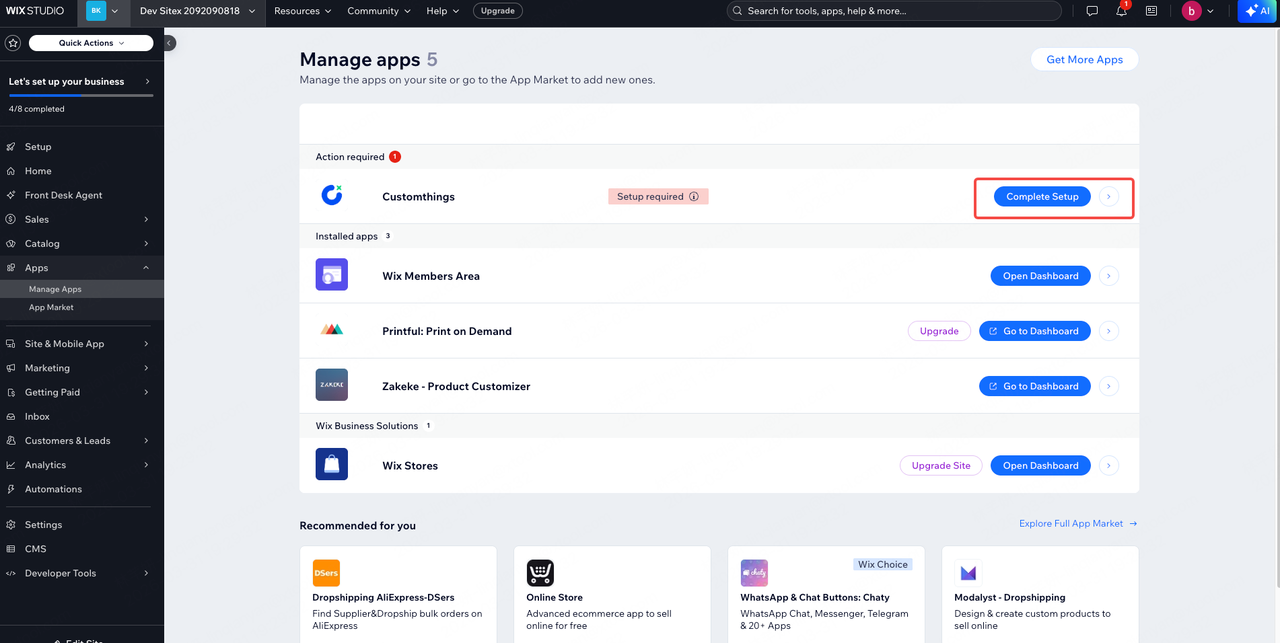
Go to the Manage Apps page in Wix and click Settings.
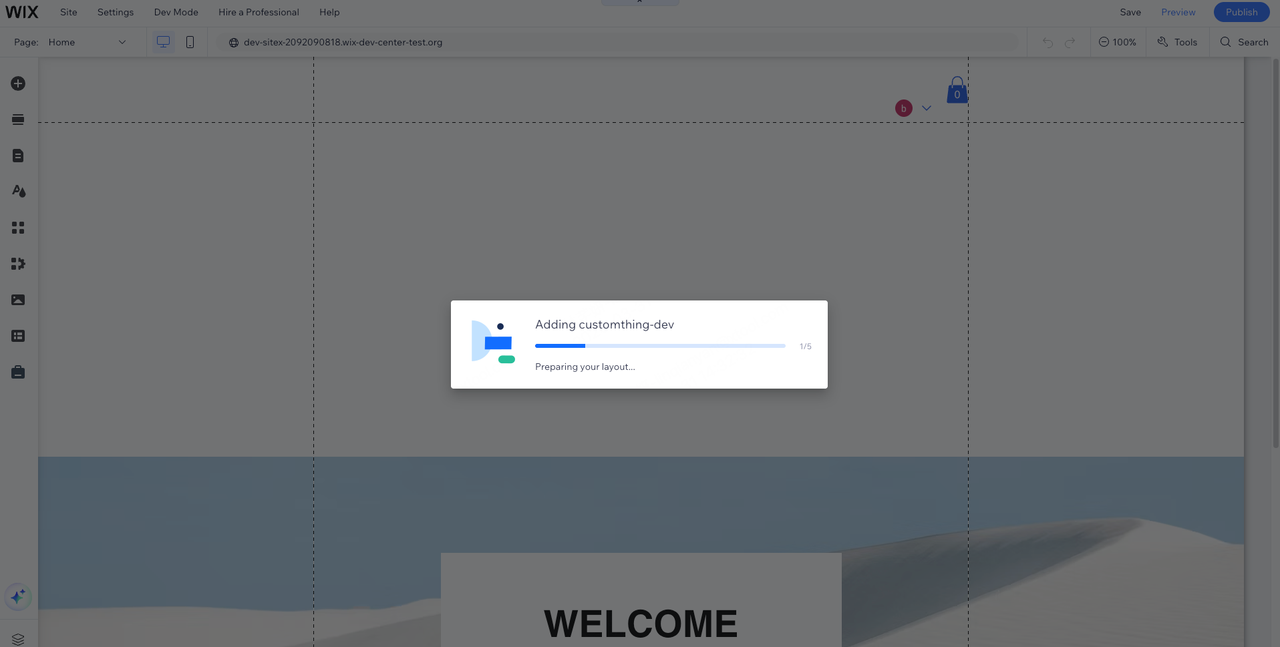
Wait for the Customthings widget to be added automatically.
3. Configure Your Products
Once your Wix store is connected, all your Wix products automatically appear in Customthings.
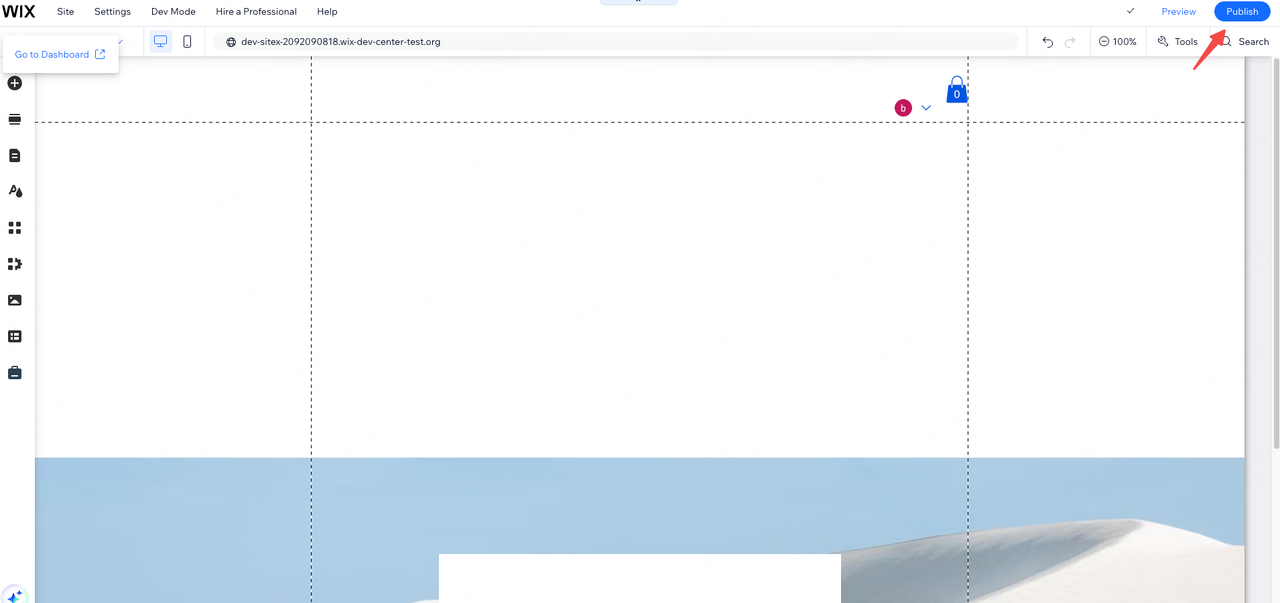
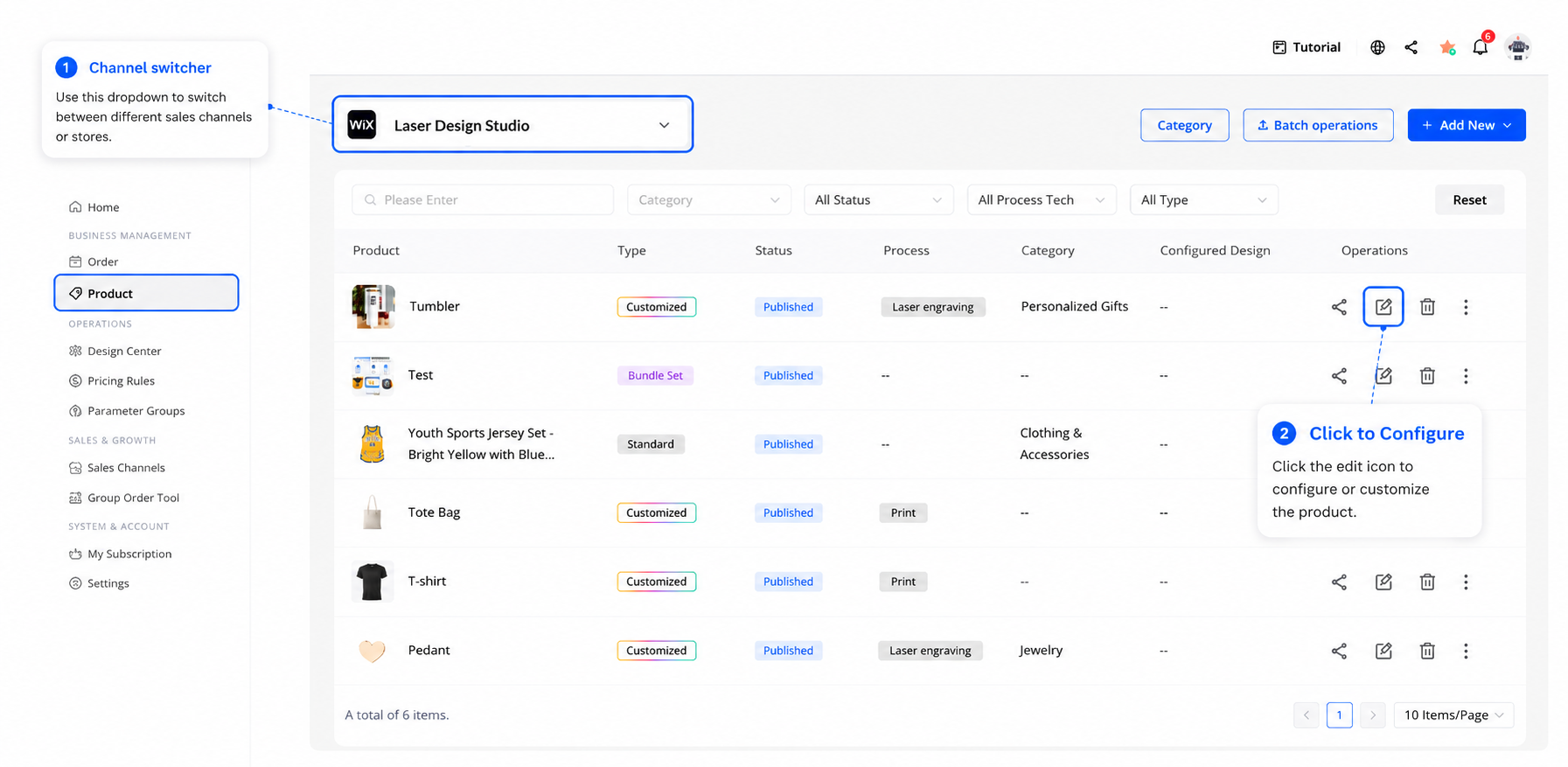
Go to the Product page, switch to your Wix channel using the top-left channel switcher, and open any product to configure its customization settings. Click Publish when done.
4. Confirm It's Working
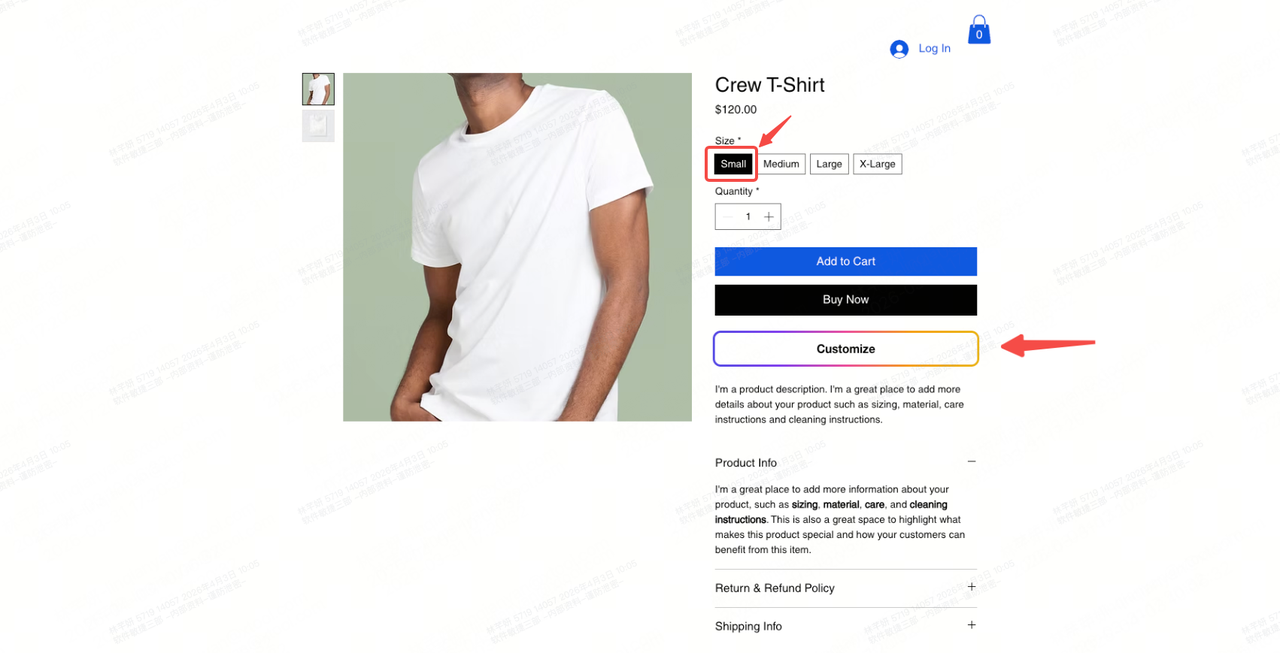
Visit a product page on your Wix site. Select a product variant (e.g., a size option). You should see a Customize button appear. If it does, the integration is complete.
5. Order Sync
Connect your Wix store in Customthings Now→
Get Started guides:
Other platform integration guides: